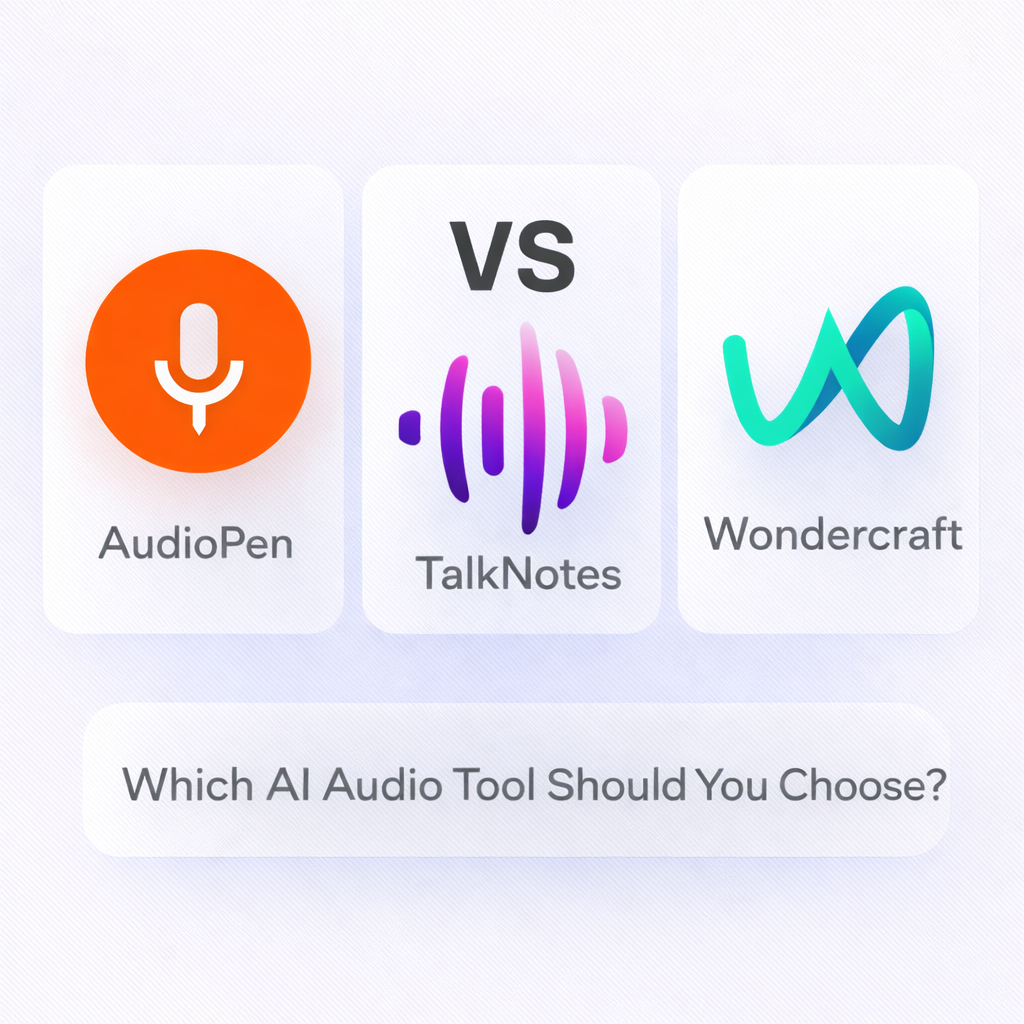
If you’re trying to turn voice into content faster, these three tools are some of the most popular options right now. But they solve different problems.
AudioPen is best for turning quick voice notes into clean written text.
TalkNotes is best for meeting notes, summaries, and searchable transcripts.
Wondercraft is best for AI narration and turning scripts into professional audio.
This guide compares AudioPen vs TalkNotes vs Wondercraft so you can pick the right tool based on your workflow.
Quick Comparison Table
| Tool | Best For | Output Type | Ideal User |
|---|---|---|---|
| AudioPen | Voice notes to structured text | Notes, drafts, summaries | Solo creators, founders, writers |
| TalkNotes | Meetings and conversations | Transcripts, summaries, action items | Teams, managers, consultants |
| Wondercraft | AI narration and voice content | Voiceovers, podcast-style audio | Podcasters, marketers, storytellers |
What These Tools Actually Do (And Why They’re Not the Same)
Even though all three tools work with audio, they serve different use cases:
- AudioPen helps you speak naturally and instantly get well-written text back
- TalkNotes helps you capture meetings and turn them into organized, actionable notes
- Wondercraft helps you generate studio-quality AI narration from scripts
So the right choice depends on whether your goal is writing, meeting productivity, or audio production.
AudioPen Review
Website: https://audiopen.ai/
Best For: Turning voice notes into clean, structured text
AudioPen is designed for fast voice capture. You talk, and it converts your recording into readable text that feels like something you would actually write. It’s especially useful for people who think better out loud than typing.
Best Use Cases
- Brainstorming ideas and content outlines
- Journaling and daily reflections
- Writing first drafts faster
- Capturing thoughts while walking or commuting
Pros
- Extremely fast and simple
- Great output formatting
- Perfect for solo workflows
Cons
- Not designed for meetings or team collaboration
- Not built for AI voice narration
Choose AudioPen if you want the fastest way to convert voice into writing.

TalkNotes Review
Website: https://talknotes.io/
Best For: Meeting transcripts, summaries, and action items
TalkNotes is built for capturing conversations and turning them into structured notes. If you attend frequent meetings, client calls, or brainstorming sessions, it helps you keep a record without manual note-taking.
Best Use Cases
- Meeting transcription and summaries
- Client call notes and follow-ups
- Action item extraction
- Searchable transcript archive
Pros
- Ideal for work meetings and business calls
- Helps turn conversations into structured notes
- Great for teams and recurring workflows
Cons
- Not focused on creative narration or voiceover production
- Less useful for short personal voice notes compared to AudioPen
Choose TalkNotes if you want meeting notes that are searchable, organized, and actionable.

Wondercraft Review
Website: https://wondercraft.ai/
Best For: AI narration, voiceovers, and audio storytelling
Wondercraft focuses on creating natural-sounding AI audio from scripts. It’s popular for podcast intros, narrated content, product explainers, and storytelling formats where voice quality matters.
Best Use Cases
- AI voiceovers for videos
- Podcast narration and intros
- Turning blog posts into audio
- Marketing scripts and branded audio
Pros
- High-quality AI voice output
- Great for narration and storytelling
- Strong for creators producing audio content regularly
Cons
- Not a transcription-first tool
- Overkill if you only need basic notes
Choose Wondercraft if you want to generate professional AI narration from scripts.

Which One Should You Choose?
Choose AudioPen if you want:
- Quick voice notes turned into clean writing
- A tool for daily idea capture
- Fast drafts without typing
Choose TalkNotes if you need:
- Meeting transcripts and summaries
- Action items from conversations
- A searchable archive of calls and notes
Choose Wondercraft if your goal is:
- AI voiceovers and narration
- Turning scripts into audio
- Creating podcast-style voice content
Use-Case Recommendation Table
| Use Case | Best Tool |
|---|---|
| Voice notes → written text | AudioPen |
| Meeting transcription + summaries | TalkNotes |
| AI narration + voiceovers | Wondercraft |
| Personal journaling | AudioPen |
| Team productivity and meetings | TalkNotes |
| Podcast-style audio creation | Wondercraft |
FAQ
What is the best AI tool for voice notes?
AudioPen is best for turning short voice notes into clean, structured text.
What is the best AI tool for meeting notes?
TalkNotes is best for meeting transcription, summaries, and extracting action items.
What is the best AI tool for AI voice narration?
Wondercraft is best for generating high-quality AI narration and voiceovers.
Can I use these tools together?
Yes. Many creators use AudioPen for idea capture, TalkNotes for meetings, and Wondercraft for narration.
Which tool is best for creators and solopreneurs?
AudioPen is best for daily writing workflows, while Wondercraft is best if you publish narrated content.
SaaSTour Verdict
AudioPen, TalkNotes, and Wondercraft are all excellent AI audio tools, but they’re built for different jobs.
- AudioPen is the fastest way to turn voice into written content
- TalkNotes is best for meeting notes, transcripts, and action items
- Wondercraft is best for AI narration and voiceover creation
If you want to move faster with audio, choose the tool that matches your workflow instead of forcing one tool to do everything.