Automation is no longer optional. Whether you’re running a startup, managing marketing workflows, or scaling SaaS operations, automation saves time and reduces manual errors.
Three platforms dominate this space:
All automate workflows.
All connect apps.
All promise flexibility.
But their automation depth, customization level, and scalability are very different.
Let’s break it down properly.
Quick Comparison Table
| Feature | Zapier | Make | n8n |
|---|---|---|---|
| Website | https://zapier.com | https://www.make.com | https://n8n.io |
| Ease of Use | Very beginner-friendly | Moderate | Advanced |
| Workflow Complexity | Linear automation | Visual multi-step flows | Fully customizable |
| Conditional Logic | Basic | Advanced | Advanced |
| Self-Hosting | No | No | Yes |
| Coding Required | No | No | Optional |
| Best For | Non-technical users | Growing teams | Developers & power users |
| Starting Price | ~ $19.99/month | ~ $9/month | Free (self-hosted), paid cloud plans |
Zapier Review
Website: https://zapier.com
Starting Price: ~ $19.99/month
What Zapier Does Well
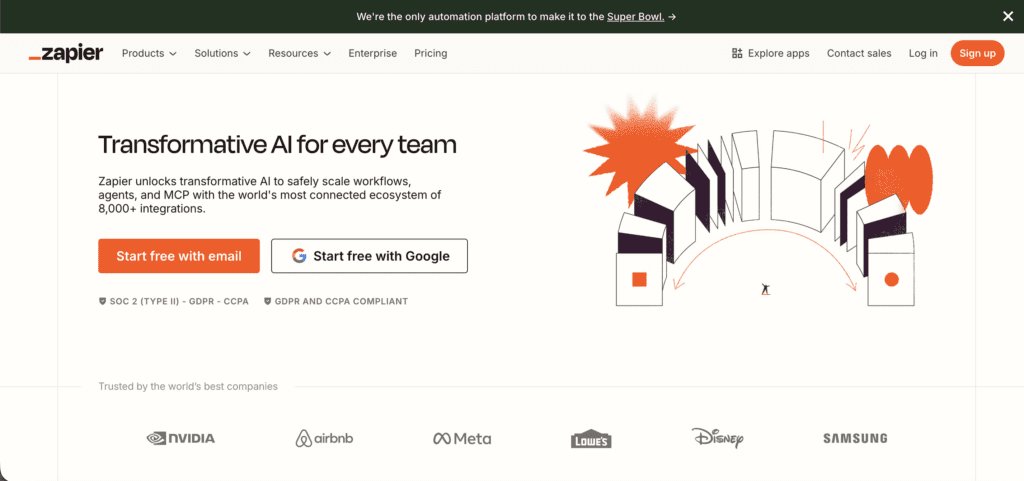
Zapier is the easiest way to automate tasks between apps.
You choose:
Trigger → Action → Done.
It supports thousands of integrations and requires zero technical knowledge.
For simple workflows like:
Zapier works perfectly.
Strengths
- Extremely easy to use
- Massive app ecosystem
- Reliable cloud infrastructure
- Fast setup
Limitations
- Expensive at scale
- Limited workflow depth
- Complex branching becomes costly
Best For
Zapier is ideal for:
- Non-technical founders
- Small businesses
- Marketing teams
If simplicity matters more than customization, Zapier wins.
Make Review
Website: https://www.make.com
Starting Price: ~ $9/month
What Make Does Well
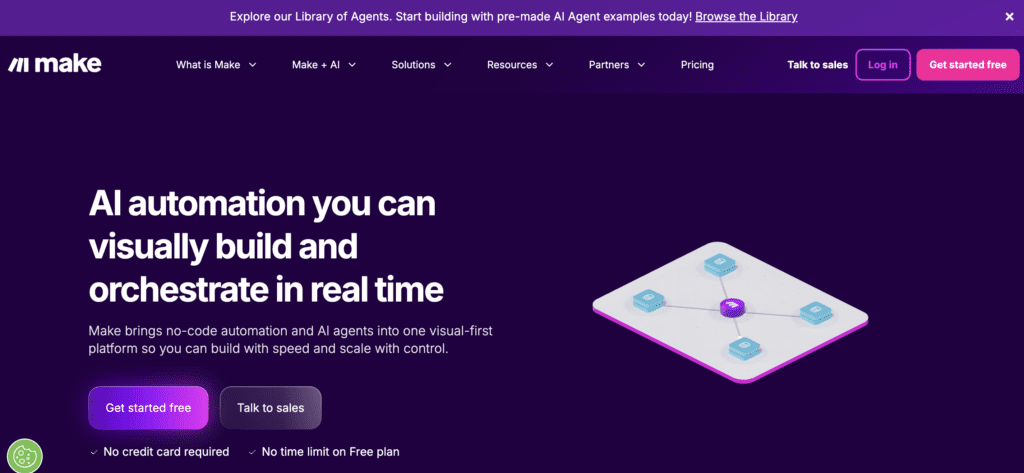
Make (formerly Integromat) is more visual and flexible than Zapier.
Instead of simple linear automation, you get:
- Visual flow builder
- Multi-step branching
- Advanced conditional logic
- Data transformation tools
You can build workflows that feel closer to backend logic — without writing code.
Strengths
- Powerful visual editor
- Strong conditional logic
- Better pricing at scale
- Detailed execution control
Limitations
- Slight learning curve
- Interface can feel complex initially
- Still cloud-dependent
Best For
Make is best for:
- Growth teams
- SaaS operations
- Advanced marketing automation
It sits between beginner-friendly and developer-level.
n8n Review
Website: https://n8n.io
Starting Price: Free (self-hosted), paid cloud plans available
What n8n Does Well
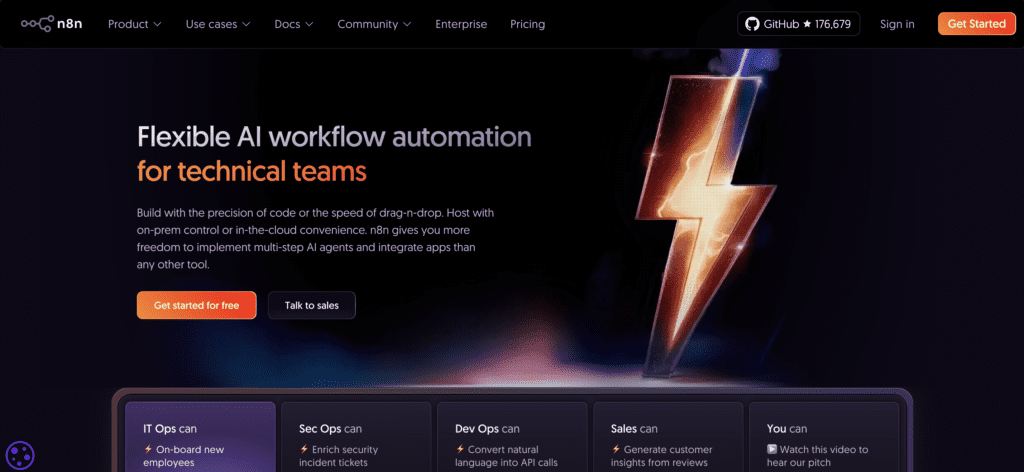
n8n is built for flexibility.
It’s open-source and can be self-hosted, which means:
- Full control over data
- Custom code execution
- API-level automation
- Deep customization
It feels closer to building backend automation logic rather than simple workflows.
If you want automation depth — n8n goes furthest.
Strengths
- Self-hosting capability
- Open-source
- Custom scripting
- Developer-level flexibility
Limitations
- Requires technical knowledge
- Setup complexity
- Not ideal for beginners
Best For
n8n is ideal for:
- Developers
- Technical founders
- AI automation builders
- Teams needing full control
If automation is core infrastructure — not just marketing glue — n8n stands out.
Automation Depth Comparison
1. Workflow Complexity
Zapier → Linear and simple
Make → Visual branching workflows
n8n → Fully customizable logic
Winner: n8n
2. Customization & Control
Zapier → Limited
Make → Strong
n8n → Deep control with custom code
Winner: n8n
3. Ease of Use
Zapier → Easiest
Make → Moderate
n8n → Advanced
Winner: Zapier
4. Scalability & Cost
Zapier → Expensive at high task volume
Make → More cost-efficient
n8n → Cheapest if self-hosted
Winner: n8n (self-hosted) or Make (cloud users)
Use-Case Recommendation Table
| Use Case | Recommended Platform |
|---|---|
| Simple Marketing Automation | Zapier |
| Multi-step SaaS Workflows | Make |
| AI Automation Backend | n8n |
| Developer-Level Custom Flows | n8n |
| Non-Technical Founder | Zapier |
| Budget Automation at Scale | Make or n8n |
SaaSTour Verdict
All three platforms automate tasks — but they serve different levels of depth.
Choose Zapier if you want speed and simplicity.
Choose Make if you want visual power and flexible branching logic.
Choose n8n if you want deep customization, control, and potentially self-hosted automation infrastructure.
If automation is just support for your business, Zapier or Make will work.
If automation is the backbone of your product or AI system, n8n offers the most depth.
FAQ
Is Zapier better than Make?
For beginners, yes. For complex workflows, Make is stronger.
Is n8n free?
Yes, if self-hosted. Cloud plans are available for convenience.
Which automation tool is best for SaaS startups?
Make for visual flexibility, n8n for backend-level automation depth.